
On this page
Start with one book
Install CoolMeow on both phones and sign in with each person's own account. On the creator's phone, create a ledger for the expenses you will share. Give it a name you will both recognize, such as Weekend in NYC or Home expenses.
The example uses Alex's iPhone and Sam's Android phone. Their ledger is in USD. When you look at Alex's phone, Alex is labeled Me; on Sam's phone, Sam is Me.
Keep individual purchases in a separate personal book if you want them outside the household or trip total. A second book with the same name is still a different ledger, so the other person should join the creator's book.
Choose a role and send the invitation
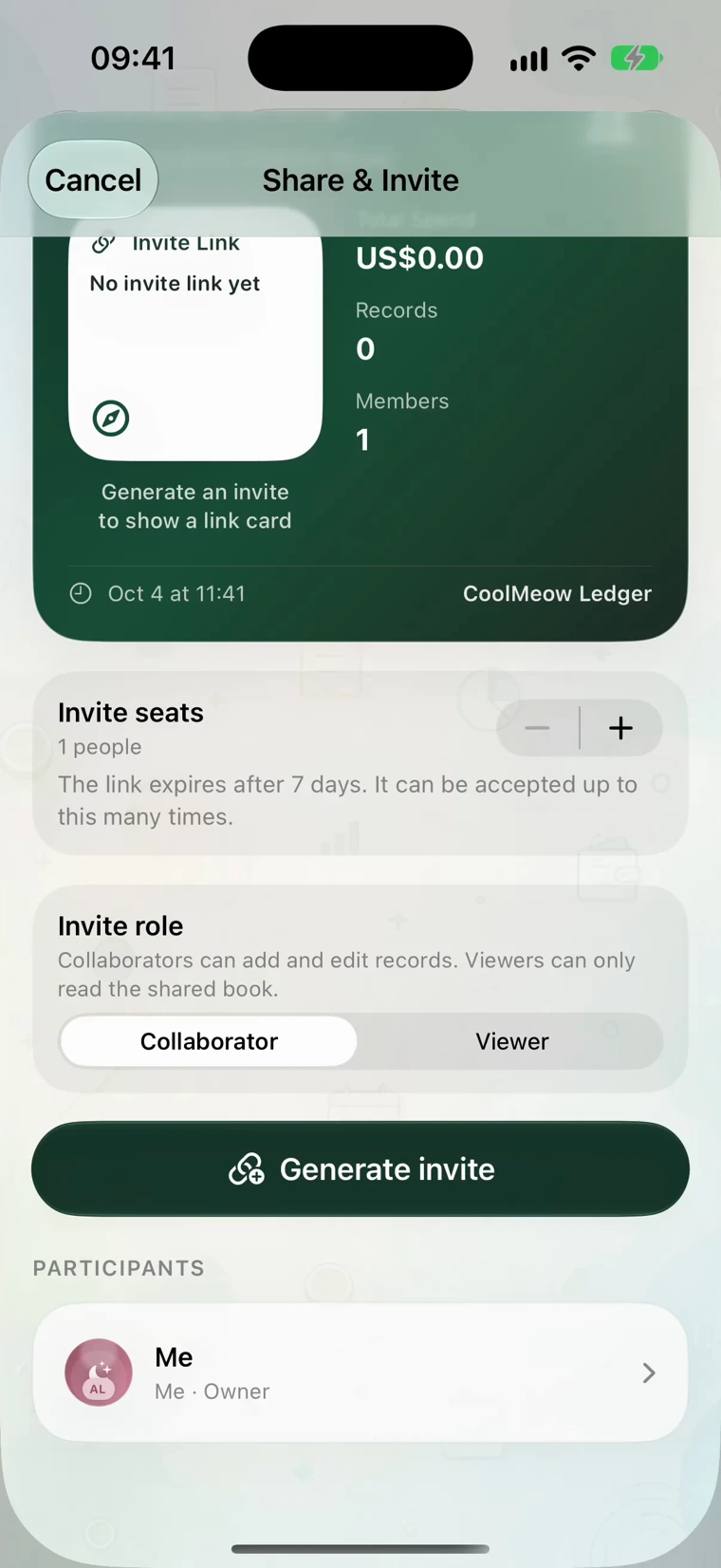
- Open the ledger menu and choose Share & Invite. Turn on sharing if the book is still local.
- Choose Collaborator for someone who will add records and edit their own entries, or Viewer for read-only access. Collaborators follow the book’s approval policy; only the creator manages roles and approves pending changes.
- Set the invite seats, tap Generate invite, and send the invitation through your messaging app.
The invite screen shows the expiry and available seats. If an old link no longer works, the creator can generate a new one.
Open the invitation on the other phone
Sam opens the invitation on Android and follows the join flow. CoolMeow verifies the invite, downloads the book's contents, and opens the joined ledger. If the app asks Sam to sign in, use the account Sam intends to keep using.
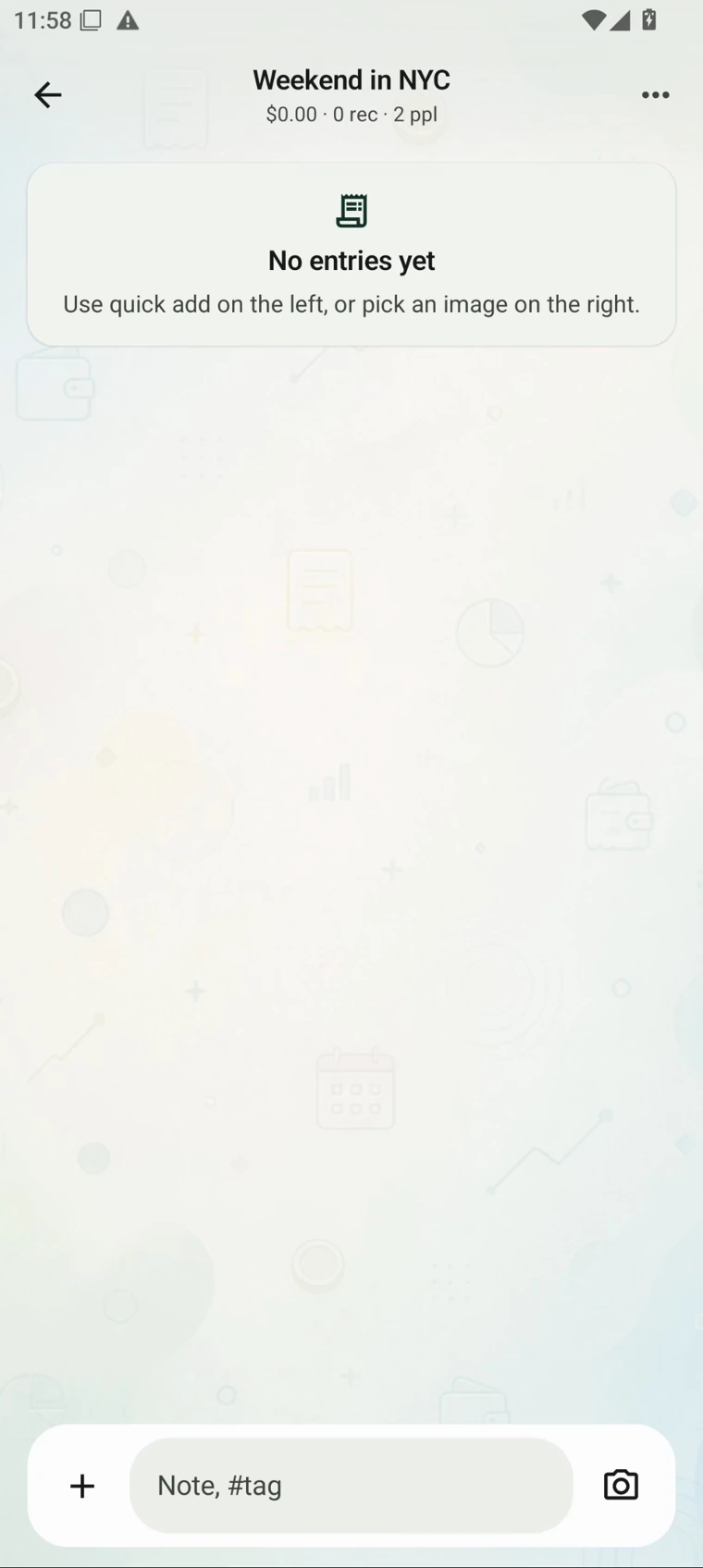
The joined book opens with 2 people in the header. There are no entries yet. That is the starting point for recording together.
If the link has expired or no seats remain, the creator can generate a new invitation. If the joined book does not appear, check the signed-in account and finish the join flow before creating another book.
Record the payer and participants separately
After five earlier purchases, the trip total is USD 400. Then Sam pays USD 12 for coffee. Sam opens Quick Add on Android, enters the amount, currency and title, and chooses Sam as the payer. Both Alex and Sam had coffee, so both are participants. Their equal shares are USD 6 each.
On iOS the entry form is called Quick Record. The same distinction applies: the payer is the person who paid the bill; participants are the people sharing its cost.
If Sam buys something just for Sam, Alex should not be selected for that expense. A receipt or note can explain an entry when the amount alone would leave the other person wondering.
Find the same expense on both phones
Save the coffee entry and open the joined ledger on both phones while they are online. The USD 12 entry brings the total from USD 400 to USD 412. Both headers show USD 412, 6 records and 2 people, and both phones show the USD 12 coffee entry.
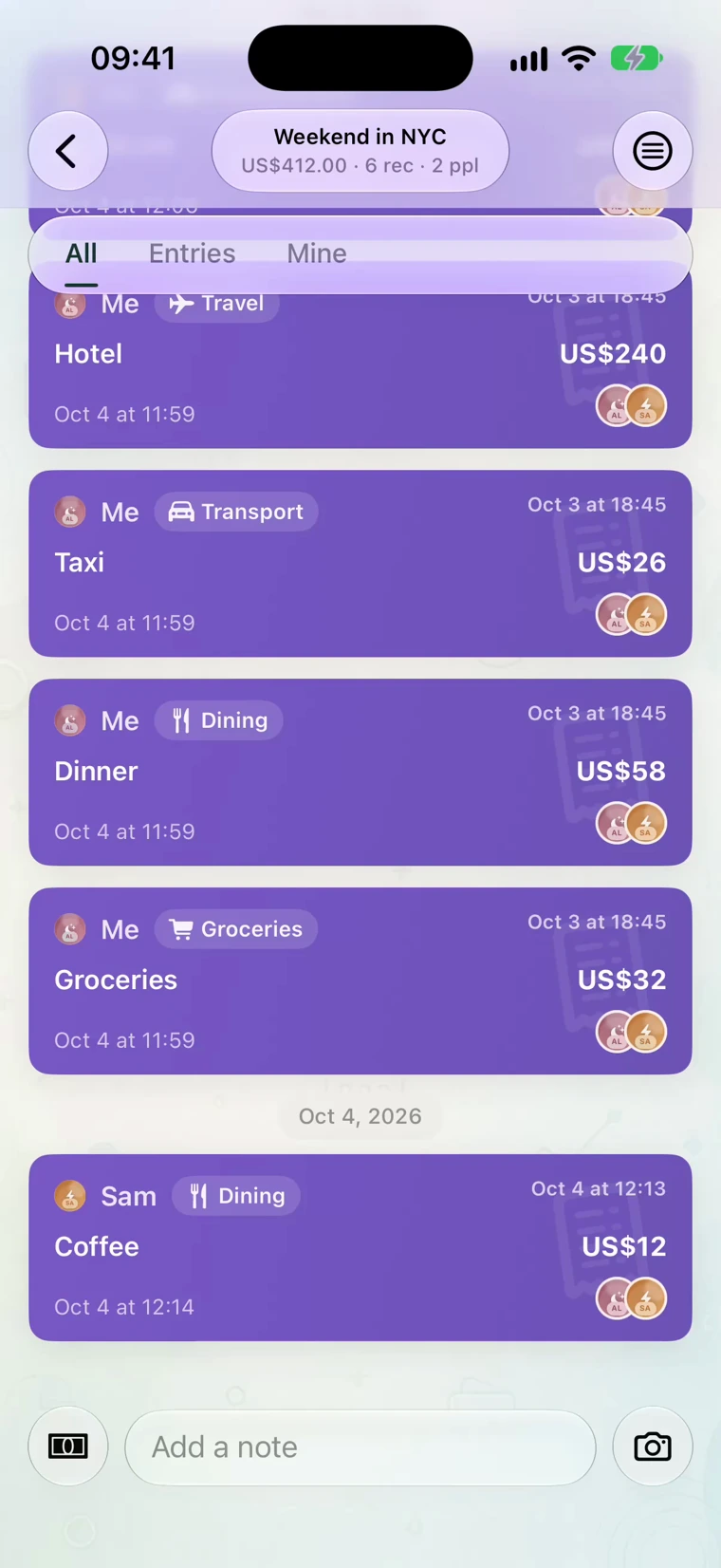
USD 12 Coffee. Ledger total: USD 412.
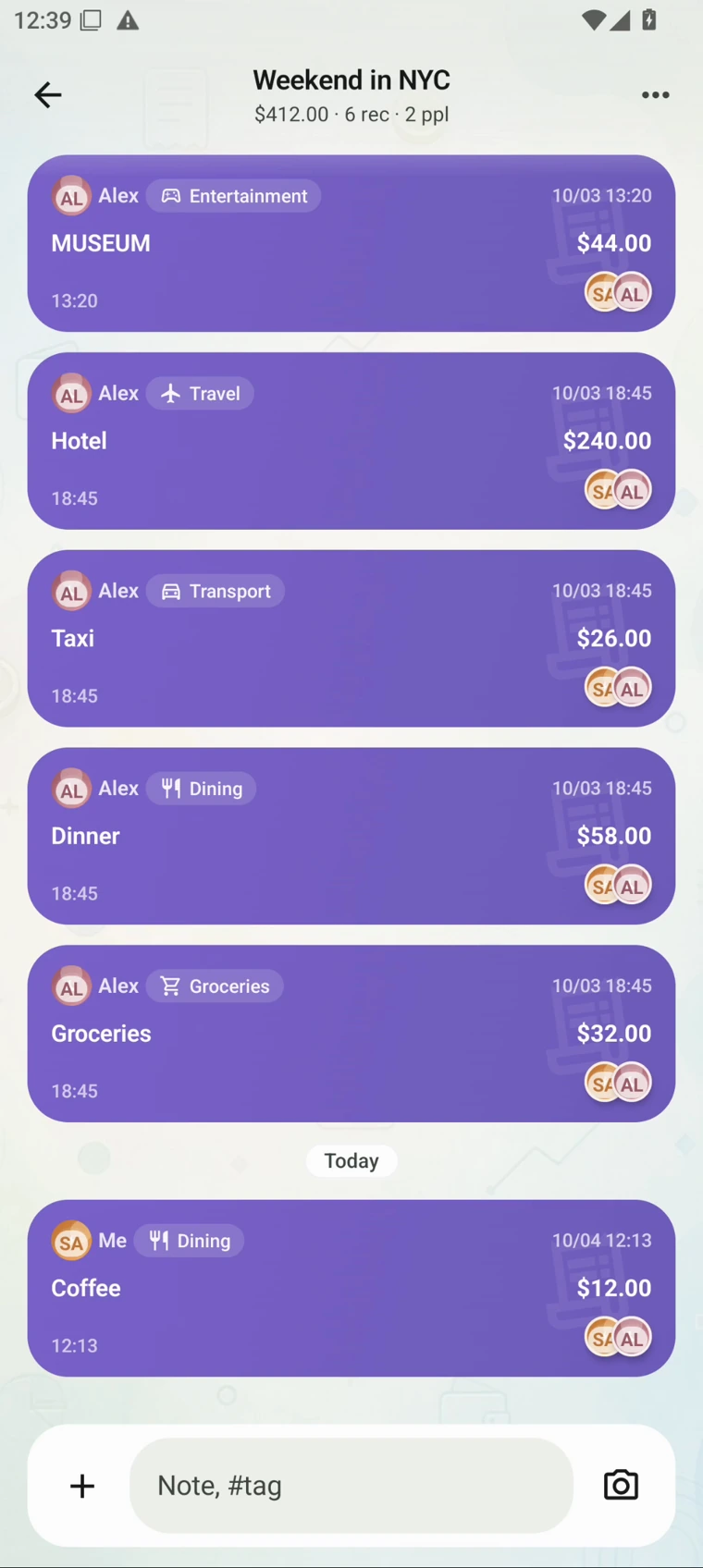
The same USD 12 entry and USD 412 total.
If an entry is waiting for approval, it has not completed the same flow as an accepted expense. Have the creator review it if the book requires approval. For a missing record, check the book name, account, connection and entry status before adding it again.
Open either image to inspect the full-size version.
Review totals without sharing a bank login
Open Overview to see the entries and charts, then use Members to compare shared and paid amounts. Settle shows the resulting balances. The trip example explains why this ledger ends with Sam owing Alex USD 104.
CoolMeow does not connect to a bank account or send the payment. You agree on the records and arrange any payment separately.
The creator's Basic subscription must remain active for collaboration. If it expires, cloud writes and collaboration are restricted, and invited members can only view existing records. The creator can keep recording locally in the app; those changes wait for the subscription to be active again before synchronizing. See Accounts and Features for the membership and role details.
Watch the 46-second app recording
Actual iPhone and Android screens with sample data. Waiting time is edited out.